



Cover image: Apple.
A foldable iPhone is particularly interesting when the additional screen space makes a specific task easier. That is why the iPhone Duo is not just about a large display. The question is: What things would you like to see side by side instead of constantly switching between views?
In this article
What Apple intends the larger screen for
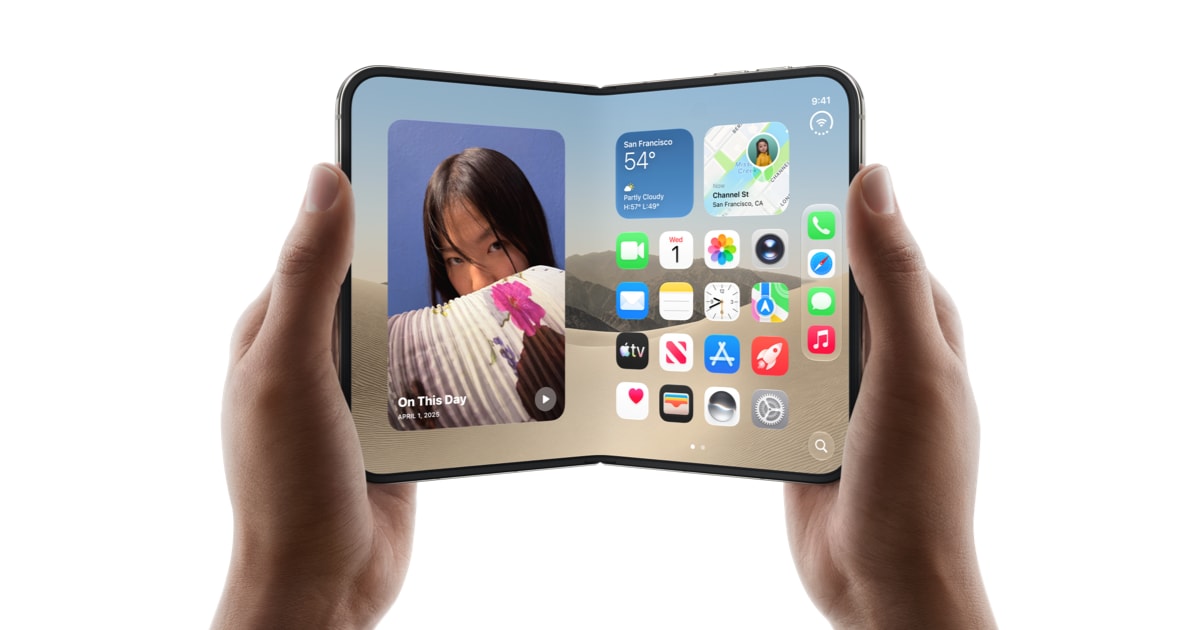
Apple describes a 7.6-inch inner display for the opened iPhone Duo and an iOS experience adapted to the folded format. This includes Split View for multitasking. Which combinations work practically depends also on the respective apps and their support. 1 2
For your own benefit, a simple note helps: Write down three situations in which you repeatedly switch between two apps on your current smartphone. These workflows are better test cases than an arbitrary demonstration with particularly large images.

Three useful tasks for comparison
Travel planning: Look at accommodation while simultaneously keeping your route or notes in view. Check with supported app combinations whether the information actually remains easy to read side by side.
Coordinating appointments: Compare details from a message with your calendar. Pay attention to whether you can transfer times and addresses without repeatedly switching back. Test your own apps in the process, not just a similar example.
Reading up on something and taking notes: Read a longer piece of content and write down bullet points in parallel. Here it is important how much space remains after the on-screen keyboard is displayed. A large screen helps little if your specific workspace shrinks too much as a result.

Evaluating the large display and comfortable handling together
Try out the device while sitting and standing. Do you prefer holding it with both hands when reading? How does the grip change when typing? And is the closed format comfortable for short tasks?
Apple describes that content adapts to the opened and closed state as well as the orientation. Nevertheless, you should check the switching with the apps you actually use. A good display in a single app is not yet an answer for all other workflows. 1
| You mainly want to … | You should try this |
|---|---|
| Read more | Font size, line length, and holding for several minutes |
| Combine two apps | Actual Split View support of your apps |
| Write on the go | On-screen keyboard, grip, and remaining space |
| Frequently switch between open and closed | Continuation of your current task |

Additional space for information
Apple also mentions StandBy for the iPhone Duo on the inner or outer display, even without charging at the same time. This can be interesting as a quiet display for the time, images, or widgets. 1
Consider where the device could stand securely for you and what information you really want to see there. The benefit arises more from a suitable place in everyday life than from as many changing displays as possible.
The case is part of the usability test
With a folding device, you should check opening, closing, and the accessibility of the buttons also with the desired case. Pay attention to the specific model approval, a clean fit, and the manufacturer's instructions for the hinge area.
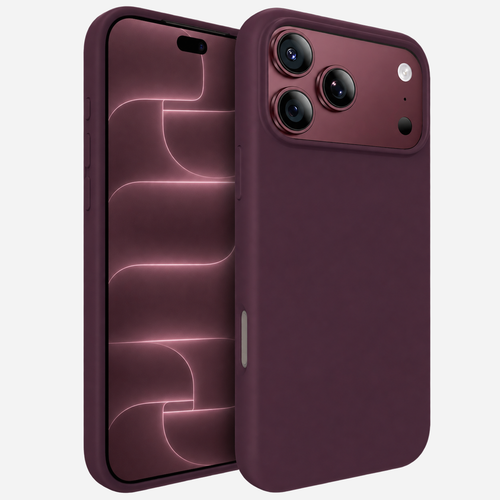
The iPhone Duo cases at bandkult are set up as a separate model selection. Choose the accessories to match your device and then test exactly the workflows for which you want to use the larger screen.