


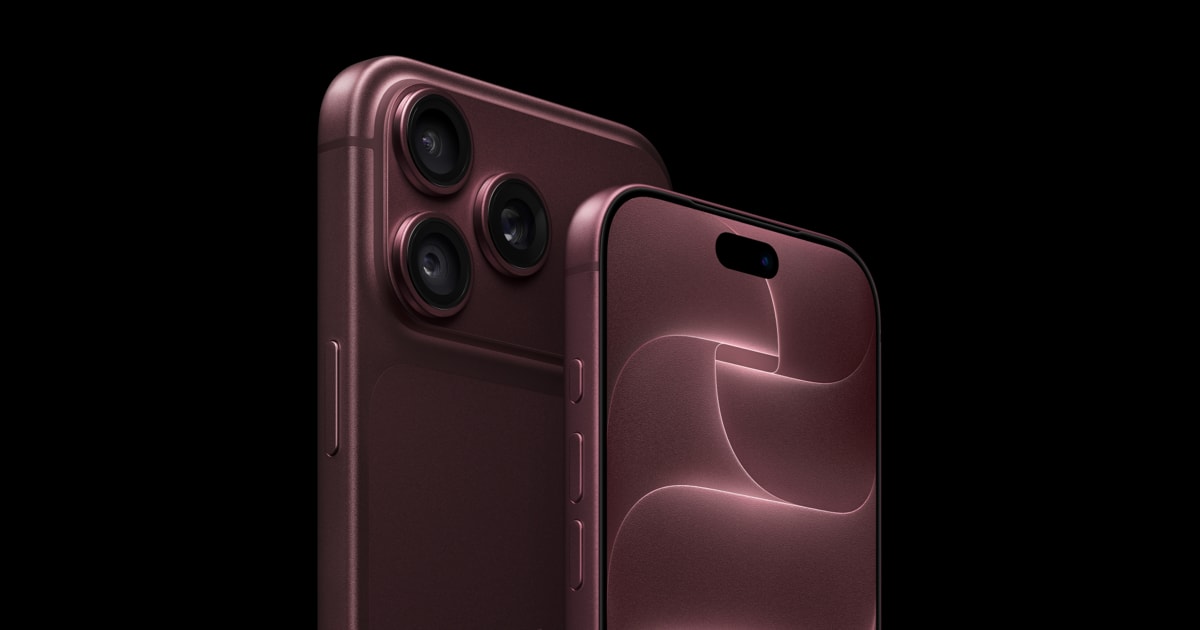
Cover image: Apple.
The variable aperture is one of the more interesting camera innovations in the iPhone 18 Pro. It changes how much light the main camera captures and how large the area of sharp focus can be. Understanding the difference is particularly worthwhile for groups, close-up subjects, and low-light conditions.
In this article
What a variable aperture actually does
The aperture is an opening in the lens. A smaller f-number means a larger opening; a larger number means a smaller opening. In addition to the amount of light entering, it also affects the depth of field. However, on a smartphone, the sensor size, distance to the subject, and image processing also affect the result.
Apple lists four settings for the 48-MP Fusion main camera of the iPhone 18 Pro and Pro Max: ƒ/1.48, ƒ/1.8, ƒ/2.8, and ƒ/4.0. The automatic control takes the shooting situation into account; manual selection is also available via the Pro controls. 1 2

Three situations where you can check the difference
| Subject | What to pay attention to |
|---|---|
| People in several rows | Are the faces behind the first row also sharp? |
| Food or a small product from a short distance | How much of the subject remains visible outside the area of focus? |
| An evening scene | Do details remain clean without movement blurring? |
Greater depth of field can help with a group photo. Apple explicitly calls for the smaller ƒ/4 aperture for this. In low light, the camera can widen the aperture. However, this does not mean that every dark scene can be successfully captured through aperture selection alone. Movement and exposure time remain important. 1
How to compare automatic and manual settings
Choose a stationary subject with a clearly recognizable foreground and background. First, shoot automatically. Then, change the aperture using the available Pro controls and keep the same framing as much as possible.
Next, compare the shots on a larger screen or at the same magnification. Don't just look at the background: Also check the fine contours of the subject, the brightness, and areas outside the actual focal point.
Such an experiment will show you what differences you notice in your own subjects. A picture with a blurred background does not automatically look better; in a group photo, a larger area of sharp focus may be exactly what is desired.

The main camera remains the decisive limitation
Apple lists the variable aperture for the main camera. Do not automatically transfer this feature to every other camera on the device. Switching to a different shooting mode can also bring other options and different image processing. 2
If you mainly take uncomplicated snapshot photos, automatic mode is a sensible starting point. Manual control is worthwhile when you are deliberately looking for a certain effect and have time for a comparison.
What often helps more before a camera comparison
First, clean the camera lenses with a suitable soft cloth and check whether the case leaves the area clean. Fingerprints, reflections, and a dirty camera edge can influence a comparison more than expected.
Use as similar lighting and the same distance as possible. This allows you to judge the setting rather than two different shooting situations. The information in this article comes from Apple; you should view concrete comparison photos on your own typical subjects.
A model-specific case for the iPhone 18 Pro or Pro Max should leave the camera and controls properly exposed. Check the exact clearance and fit of additional camera accessories on your case.