


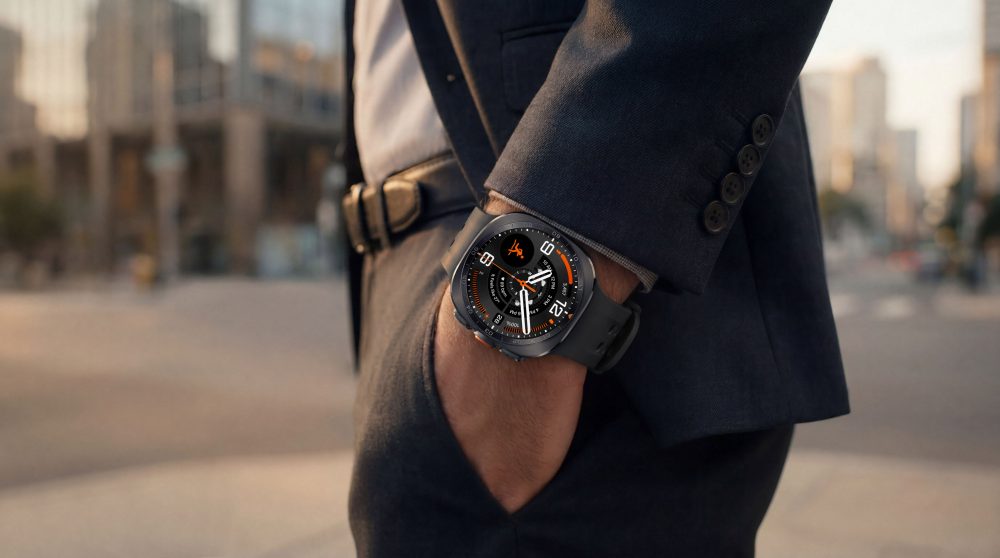
Cover image: © Samsung Electronics (press image).
When buying a smartwatch, the question “Bluetooth or LTE?” quickly comes up. The answer depends less on which version can do more on paper. What matters more is how often you actually want to be out and about without your smartphone and need your own data connection.
In this article
What LTE changes about the watch
An LTE-capable Galaxy Watch can establish its own connection to the mobile network with a supported mobile plan. Activation requires the right hardware, an eSIM solution from the provider, and setup via the Galaxy Wearable app. A Bluetooth-only version cannot be converted into an LTE model later by downloading an eSIM. 1
The Galaxy Watch 9 is offered in Bluetooth and LTE versions. The Ultra 2 is an LTE model. However, the presence of mobile hardware does not mean that a plan has been set up for you. 2

When Bluetooth is a good fit for your everyday life
If your smartphone is usually in your pocket, a Bluetooth connection is already sufficient for many situations. Consider whether you actually miss having independent access on a regular basis.
A typical day at the office is a good example: Your phone is within reach, messages appear on the watch, and you take both with you on your way home anyway. The additional mobile option may therefore offer less than expected in this scenario.
This is not a statement about which individual app always works without an internet connection. Offline features, Wi-Fi, and the connection to your phone must each be suitable for the task. A saved workout recording and a live message have different requirements.
When having your own connection makes sense
LTE is interesting, for example, for regular runs without a phone or if you want to leave your phone in a locker. Describe your needs as precisely as possible: Do you want to be reachable, look something up while you’re out, or stream content?
Next, check the app you want to use and the mobile provider’s terms and conditions. A general LTE specification is no guarantee that every service will work fully independently of your smartphone.
| Your situation | A useful question to ask |
|---|---|
| Your phone is almost always with you | Which specific task requires LTE in addition? |
| Regular runs without a phone | Does my provider support this exact watch? |
| Music on the go | Is streaming necessary, or is downloading in advance sufficient? |
| Travel | What roaming rules apply to the watch plan? |

These questions should be answered before buying
Ask the provider specifically about an eSIM for your Samsung Galaxy Watch. An eSIM for a smartphone is not automatically the right solution. Also clarify the activation requirements, ongoing costs, and support for your existing plan. 1
When making your request, note the exact model name and LTE version. This will prevent you from receiving a general commitment that later turns out to apply to a different device. If you are buying a used watch, you should also ask whether a mobile profile is still stored on it.
Battery life is part of the decision
An active mobile connection uses power. Poor reception and frequent data reloading can also affect battery life. If you want to use the watch for a long time without a charging option, plan for your intended connection scenario. 3
The best way to make the right choice is to consider a typical week: How often do you actually leave your phone behind, and what do you want to do then? This answer is usually more useful than feeling like you need every available feature just in case.