


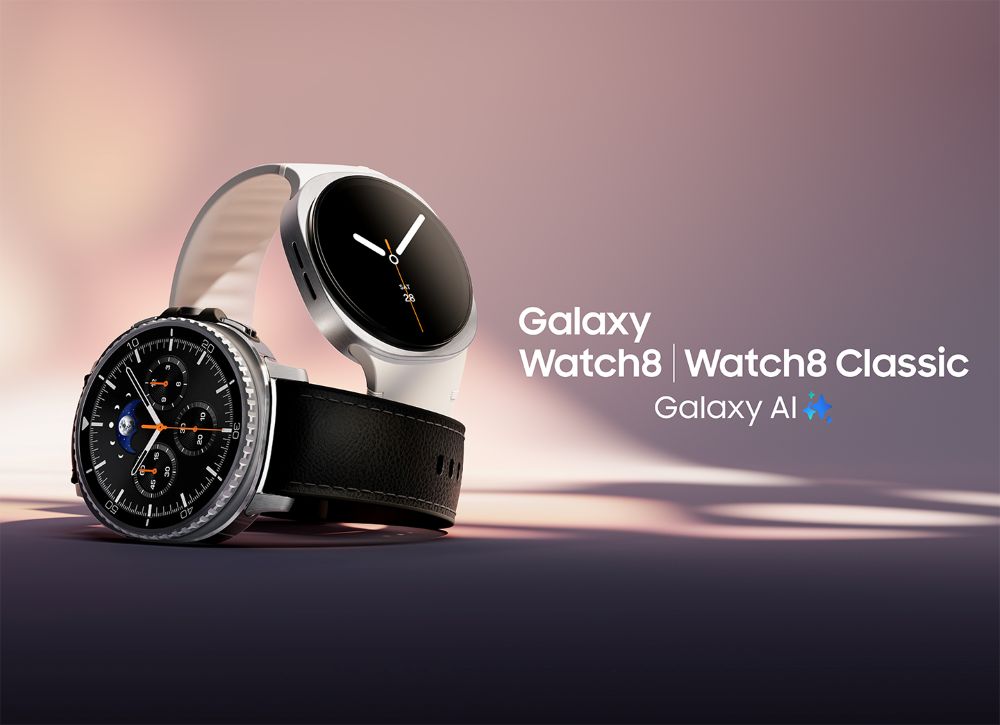
Cover image: © Samsung Electronics (press image).
A Galaxy Watch strap may look right in a photo and still have the wrong connector. Especially when switching between the Watch 7, Watch 8 and Ultra, the model name is more important than the case size alone. A quick check before buying will save you the hassle of trying it on.
In this article
Case size and connector are two separate specifications
For a Galaxy Watch, “44 mm” refers to the case size. This does not mean that the watch requires a 44 mm-wide strap. The connection between the strap and the case has its own dimensions and mechanism.
Another important measurement is your wrist circumference. This determines whether the strap can be fastened comfortably. A technically compatible connector may be paired with a strap that is too short or too long. Check these specifications one by one.

Three connector systems you should know apart
For many models in the Watch 4 to Watch 7 family, Samsung specifies a 20 mm strap connector. Within this group, the design and end pieces may still play a role. The Watch 8 series uses its own newer mechanism; straps designed for the Watch 8 and Watch 8 Classic can be used interchangeably. The Galaxy Watch Ultra, in turn, requires straps specifically designed for it. 1
| Product listing specification | What else to check |
|---|---|
| “20 mm” | Specific Watch generation and end piece design |
| “For Watch 8” | Compatibility with your Watch 8 model and strap length |
| “For Ultra” | Exact Ultra model and its locking mechanism |
| “S/M” or “M/L” | Wrist circumference specified in millimeters |
The same purchasing principle applies to the Watch 9 and Ultra 2: rely on an explicit model compatibility statement. Do not assume automatic compatibility between different generations based on similar product photos.
How to find the right model designation
Look at the back of your watch and check the device information in the connected app. Write down the model series and case size together, for example “Galaxy Watch 8 Classic, 46 mm”. If the product listing shows several generations, check whether yours is explicitly included.
Measure your wrist circumference with a flexible measuring tape or a strip of paper. Then compare it with the range specified for that particular version. Size abbreviations from different manufacturers may not cover the same circumference.

Changing straps without force
Place the watch on a soft, clean surface. Release the mechanism designed for your model instead of prying at an unknown mount with a tool. Samsung provides separate instructions for the Watch 8 series. 2
After inserting the strap, check the locking mechanism and carefully test whether the strap holds securely. If an end piece cannot be attached cleanly, remove it again and check the compatibility. A strap that only fits into the mount when pressed is not a good starting point for your next workout.
Choose the material only after checking the fit
If the connector and length are correct, your daily life comes into play. A wipe-clean sports strap is suitable for different situations than a leather strap for a shirt. Fabric can feel pleasantly lightweight, but it takes time to dry after getting wet. With metal, it is also important to consider whether you can adjust the length effectively. You should always read the care instructions for the specific product. 3
Therefore, start with your device in the shop. In the Samsung model selection on the homepage, you can go directly to the right collection and then choose the material and color.