


The right Apple Watch is not necessarily the most expensive model. Whether SE 3, Series 12, or Ultra 4, the deciding factors are your daily routine, the features you want, and a size you enjoy wearing. This comparison helps you choose.
In This Article
Three Models, Three Focus Areas
Start the comparison by thinking about your typical day: Do you mainly want to see notifications and track your activity? Are you interested in additional health metrics? Or are you planning long workouts with little time to charge? These answers help narrow down the options better than a ranking alone.
| Feature | SE 3 | Series 12 | Ultra 4 |
|---|---|---|---|
| Case Size | 40 or 44 mm | 42 or 46 mm; Ceramic varies | 49 mm |
| Chip | S10 | S11 | S11 |
| Maximum Display Brightness | 1,000 nits | 2,000 nits | 3,000 nits |
| Normal Use Up To | 18 hours | 24 hours | 50 hours |
| Low Power Mode Up To | 32 hours | 38 hours | 84 hours |
| Time to Reach 80 Percent Charge | Approximately 45 minutes | 30 minutes | 45 minutes |
| Typical Focus | Everyday use and entry-level | Everyday use and more comprehensive tracking | Sports and long days on the go |
When the SE 3 Is Enough
The SE 3 is a compelling option if you want a watch for typical smartwatch tasks and do not specifically need the additional sensors found in the more expensive models. It also features an Always-On display and fast charging. Your decision should therefore depend on the features you actually want to use, not just its entry-level status.
[1]If you are coming from a traditional watch, the SE is also a way to discover your own smartwatch routine. Do you wear it at night? Do you need cellular connectivity without your iPhone nearby? How often do you want to charge it? No feature overview can answer these questions as well as your actual usage.
Why the Series 12 Is the Mid-Range Choice for Many
The Series 12 combines a less bulky design than the Ultra with more comprehensive tracking than the SE. For many, this is the right balance: working during the day, working out in between, and tracking sleep at night. Its usefulness depends heavily on whether the watch fits comfortably and is worn regularly.
In its own test, ComputerBase described a short charging break as easy to incorporate into everyday life. This is often more practical than an abstract number of hours when making a decision. If you have a reliable opportunity to charge it every morning or evening, you may not need an exceptionally large battery.
[4]When the Ultra 4 Is Worth It
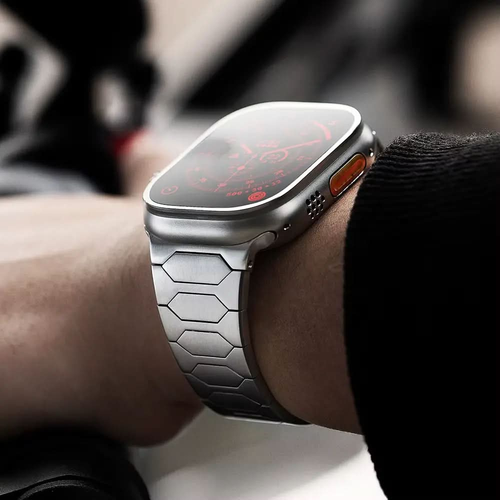
The Ultra is designed for those who need more battery life and outdoor functionality. A large case, an Action button, and a bright display can be practical when you are out and about. However, you should consider these advantages in relation to weight and size. A watch that is too large for you will not automatically be comfortable, no matter how well equipped it is.
In its own Ultra 4 test, CHIP identified both its extensive features and its design as factors to consider when comparing models. If your workouts are short and you can conveniently charge it every day, a lighter alternative may make more sense. If you are planning extended use, the larger battery may be the deciding factor.
[5]GPS or Cellular?
A cellular model is particularly appealing if you want to use the watch without your iPhone to access supported features. Before buying, check whether your carrier supports the desired plan and what additional ongoing costs will be. A watch equipped with cellular connectivity does not automatically activate a suitable cellular plan.
If your iPhone is almost always nearby, GPS may be sufficient for your needs. When running, doing quick shopping, or going about your daily routine, consider when you would actually leave your phone behind. A feature that only seems appealing in theory does not automatically need to be part of your configuration.
Health Data and Realistic Expectations
More sensors mean more ways to monitor your health. They do not guarantee a diagnosis or replace a medical examination. Check the requirements for the features that are important to you. These may include age, region, setup, and software version. Do not buy a watch expecting it to answer every health question.
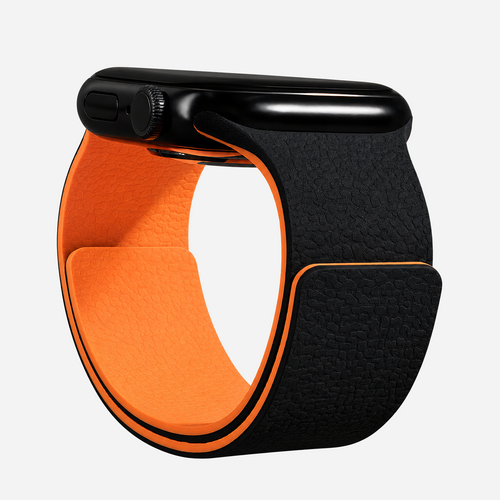
How the band fits is also part of the experience. If it is too loose or the watch sits awkwardly, the data may be less reliable. The most comfortable material is also not the same for every activity. A band that can be swapped between workouts and everyday use may offer more comfort than a more expensive watch with a poorly fitting band.
The Final Check Before Buying
First, check your iPhone against the current Apple compatibility table. The Series 12 and Ultra 4 require iOS 27 on a supported iPhone. For the SE 3, the required software version may also depend on the watchOS version that came with the watch or that you have installed. Apple lists the corresponding iPhone requirements for watchOS 27.
[6]Next, try on the size and band. Finally, decide on your preferred model with storage or cellular connectivity, material, and accessories, and only then compare prices. This order prevents a discounted model from determining your decision even though it does not suit your daily routine.